
Playlisten erstellen
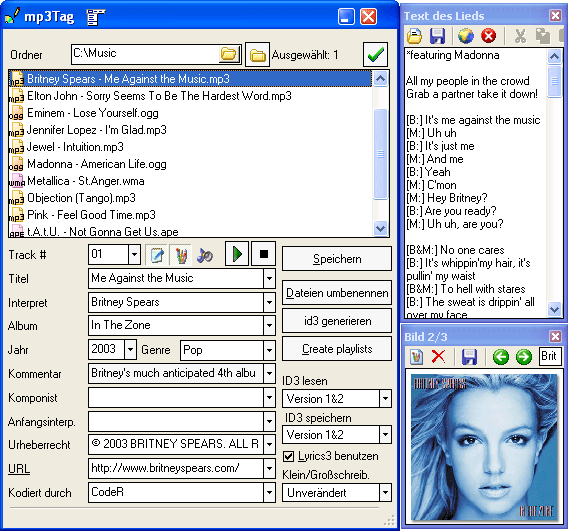
- MP3-Tags downloaden und bearbeiten
- MP3 Dateien umbenennen
- Playlisten erzeugen

Außer Umbenennung und Tag-Bearbeitung können Sie mit mp3Tag Playlisten für Spieler wie Winamp oder Windows Media Player erstellen. Die Funktion ist ähnlich zum Export von Tags nach eine Textdatei.
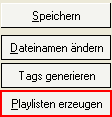
Wählen Sie die Dateien, die Sie in die Playliste hinzufügen wollen. Klicken Sie "Playlisten erzeugen" rechts:
Im neuen Fenster, wählen Sie den gewünschten Typ der Playliste aus der "Exportieren nach" Dropdownliste aus. M3U und PLS Playlisten werden unterstützt.
Klicken Sie "Speichern/Exportieren" im unteren Teil des Fensters und geben Sie einen Namen für Ihre Playliste in "Speichern unter" ein.
Nach dem Speichern können Sie die Playliste mit jedem Spieler verwenden, der die Funktion unterstützt (und meisten Spieler erkennen M3U und PLS Playlisten).