
Audioparameter ansehen
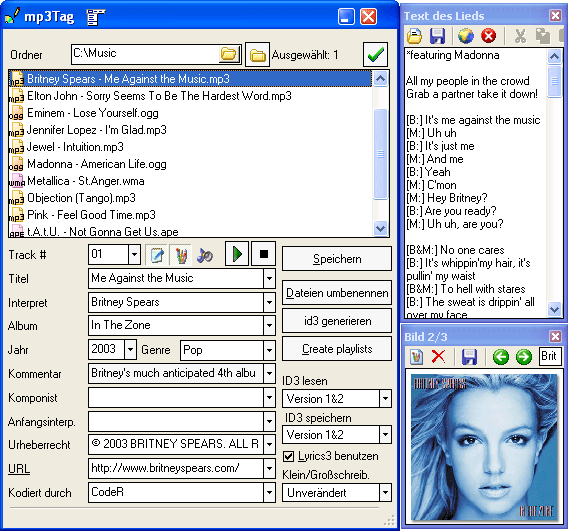
- MP3-Tags downloaden und bearbeiten
- MP3 Dateien umbenennen
- Playlisten erzeugen

Manchmal ist es wichtig, technische Informationen über Audiodateien anzusehen. mp3Tag kann die Informationen anzeigen.
Um die Informationenfenster aufzurufen, drücken Sie "Strg" + "I" auf Ihrer Tastatur, oder wählen Sie "Info zeigen" im Hauptmenü.
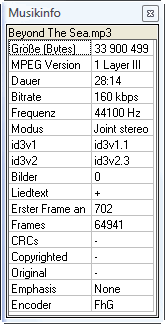
Die Informationen können auch verwendet werden, wenn man Audiodateien umbenennt oder mit ID3 Tags besorgt. Zum Beispiel, Sie können ganz einfach Bitrateinformationen zu Dateinamen hinzufügen, indem Sie "%B" in der Formatzeile benutzen.