
Drag&Drop
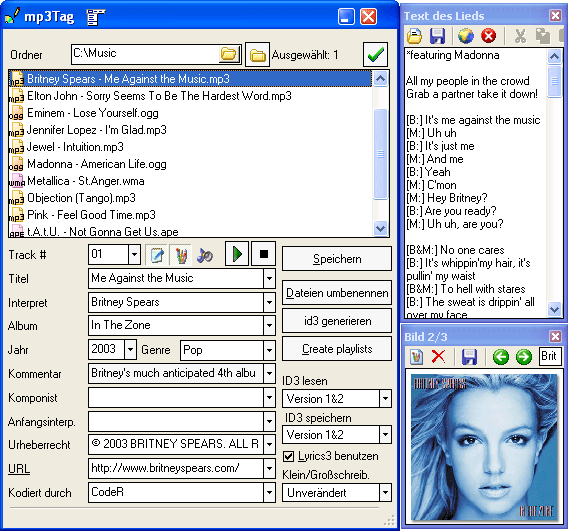
- MP3-Tags downloaden und bearbeiten
- MP3 Dateien umbenennen
- Playlisten erzeugen

mp3Tag unterstützt Drag&Drop. Wenn Sie Ihre Dateien von Windows Explorer ziehen, werden sie in den aktuellen Ordner verschoben oder kopiert. Standardmäßig werden die Dateien verschoben. Um sie zu kopieren, halten Sie "Strg" Taste beim Ziehen gedrückt.
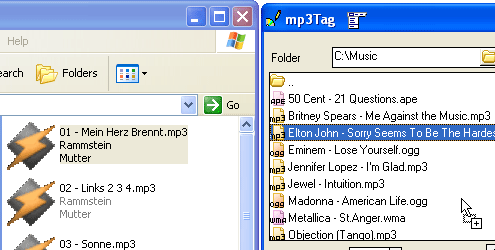
Sie können auch Drag&Drop verwenden, um Liedtexte und Bilder aus Dateien einfügen. Ziehen Sie einfach eine Bilddatei oder Textdatei von Windows Explorer nach Bildfenster oder Liedtextfenster entsprechend.
Es ist möglich, Dateien im Vorschaubereich des "Umbenennen/Generieren" Fensters umordnen, indem man Dateien nach oben oder nach unten mit dem Maus zieht. Die Funktion ist nützlich, wenn man originale Ordnung von Dateien beim Downloaden von Tags wiederherstellen will.